
A closer look: read the line at a comfortable pace.
A path across the reels
Start by identifying what the number describes. A payline selects exactly one position from each reel. Classic has three reels with one row and one path. The five-reel modes show three rows and evaluate 20 fixed paths, including straight lines and paths that move between rows. Review one completed result at a time when comparing these details. Keep the current domain in view when checking saved information.
All lines remain active
One useful detail is explained below. The five-reel games do not let you deactivate individual paylines. The total wager is divided equally across all 20 paths. This keeps the cost unambiguous and prevents a visible matching pattern from being mistakenly attributed to a line the player thought was switched on. The examples describe virtual-credit play within this release. The visible interface identifies the feature currently in use.
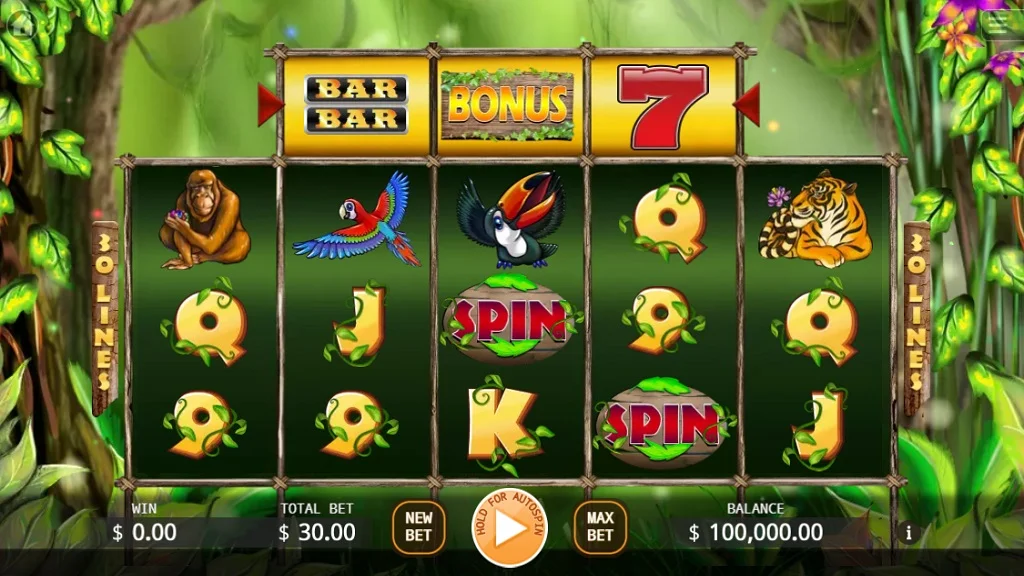
Begin at the left edge
Ordinary matching runs start at the first reel and continue consecutively to the right. A broken position stops that candidate run. A visually attractive group on reels three through five does not pay by itself if the line's first two positions fail to support it. Review one completed result at a time when comparing these details. The visible interface identifies the feature currently in use.
Follow the exact numbered diagram
The distinction matters when comparing games. The line panel displays all active patterns with numbers. Select the number reported in a result explanation and compare its row sequence with the reel grid. Nearby symbols on a different row cannot be substituted for the positions that the path actually uses. The examples describe virtual-credit play within this release. Review the relevant page before using another mode.
Allow shared positions
Start by identifying what the number describes. Different paylines can cross through the same symbol cell. Each complete path is evaluated independently for its best qualifying award. Shared cells mean the line results are statistically related, so twenty lines are not twenty independent whole-game trials. Read the active cabinet’s rule panel when applying this explanation.
Apply Wild in the run
One useful detail is explained below. Wild can stand in for a paying symbol on the positions the path visits. It does not move another symbol into that path or allow a run to jump across a mismatch. In Wild Slots, a Wild inside the qualifying run additionally doubles that line's award. A mode’s own paytable remains the reference for its awards. Keep the current domain in view when checking saved information.
Treat Scatter counting differently
The distinction matters when comparing games. Scatter triggers examine all 15 cells without requiring one path. That rule belongs to the applicable bonus modes and is separate from line awards. A paid result can therefore produce ordinary line awards and trigger a Scatter feature at the same time. A mode’s own paytable remains the reference for its awards. Review the relevant page before using another mode.
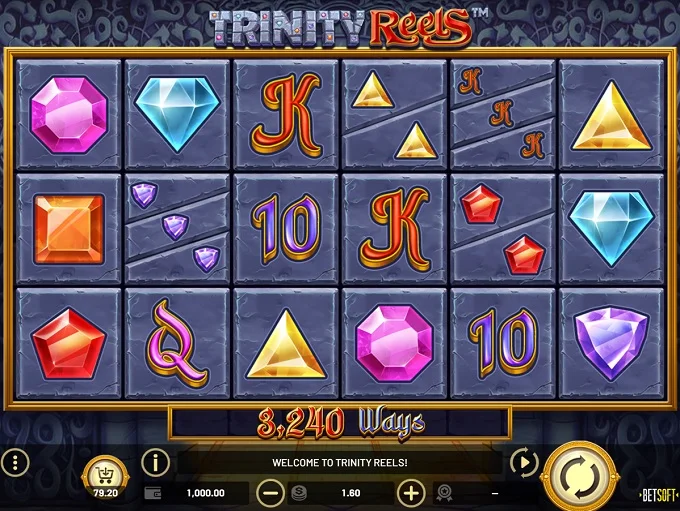
Recalculate a step's award
Keep the scope of the explanation in view. For each reported paying line, multiply its effective multiplier by the line wager. Add the resulting amounts to get the step award. Feature collection and picking awards are listed separately because they use the total wager and do not arise from numbered paylines. Review one completed result at a time when comparing these details. Additional context is available in the site’s related guides.